霧之群島 Materia Archipelago
「材料物化性分析」CT5812701 的課程地圖。每座島是一個分析單元,點島就會搭上渡船「微光丸」出航,經過一段島嶼特寫與霧教授的介紹後,從介紹卡開新視窗進入該單元的遊戲。
The course map for CT5812701 Physical and Chemical Analysis on Materials. Each island is one unit. Tap an island to sail there on the ferry Bikō-maru; after a short close-up with Prof. Kiri's introduction, the island card opens that unit's game in a new window.
1. 開始1. Getting started
- 在初始畫面選擇語言:中文、中文/English 或 English。Pick a language on the title screen: Chinese, Chinese/English or English.
- 手機與平板建議先按「全螢幕」,並將裝置橫放。On phones and tablets, press Fullscreen first and hold the device in landscape.
- 按「乗船 Board」上船。第一次會播放約 20 秒的開場,可按右上角 Skip 跳過;之後再來會直接進入地圖。Press Board. The first visit plays a 20-second opening (Skip at the top right); later visits go straight to the map.
2. 操作2. Controls
| 動作Action | 電腦Computer | 手機/平板Phone / tablet |
|---|---|---|
| 移動視角Look around | 拖曳Drag | 單指拖曳One-finger drag |
| 縮放Zoom | 滑鼠滾輪Mouse wheel | 雙指縮放Pinch |
| 出航到某座島Sail to an island | 點島或島名標籤Click the island or its label | 點島或島名標籤Tap the island or its label |
| 跳過動畫Skip a cutscene | Space Enter Esc · Skip | Skip |
| 關閉面板/介紹卡Close a panel or card | Esc | 點面板外側Tap outside the panel |
| 今日の一言Word of the day | 點右下角「霧教授」Press "Prof. Kiri" at the bottom right | |
| 小彩蛋Easter egg | 點一下船首的小汞Tap Merc on the bow of the ferry | |
3. 群島3. The islands
已開放的島點燈並以金色航路相連;霧中的島只會播放短暫預告,開放後霧教授會替你們驅霧。
Open islands have lit lanterns and gold sea lanes. Islands in the mist only play a short teaser until Prof. Kiri clears the mist.
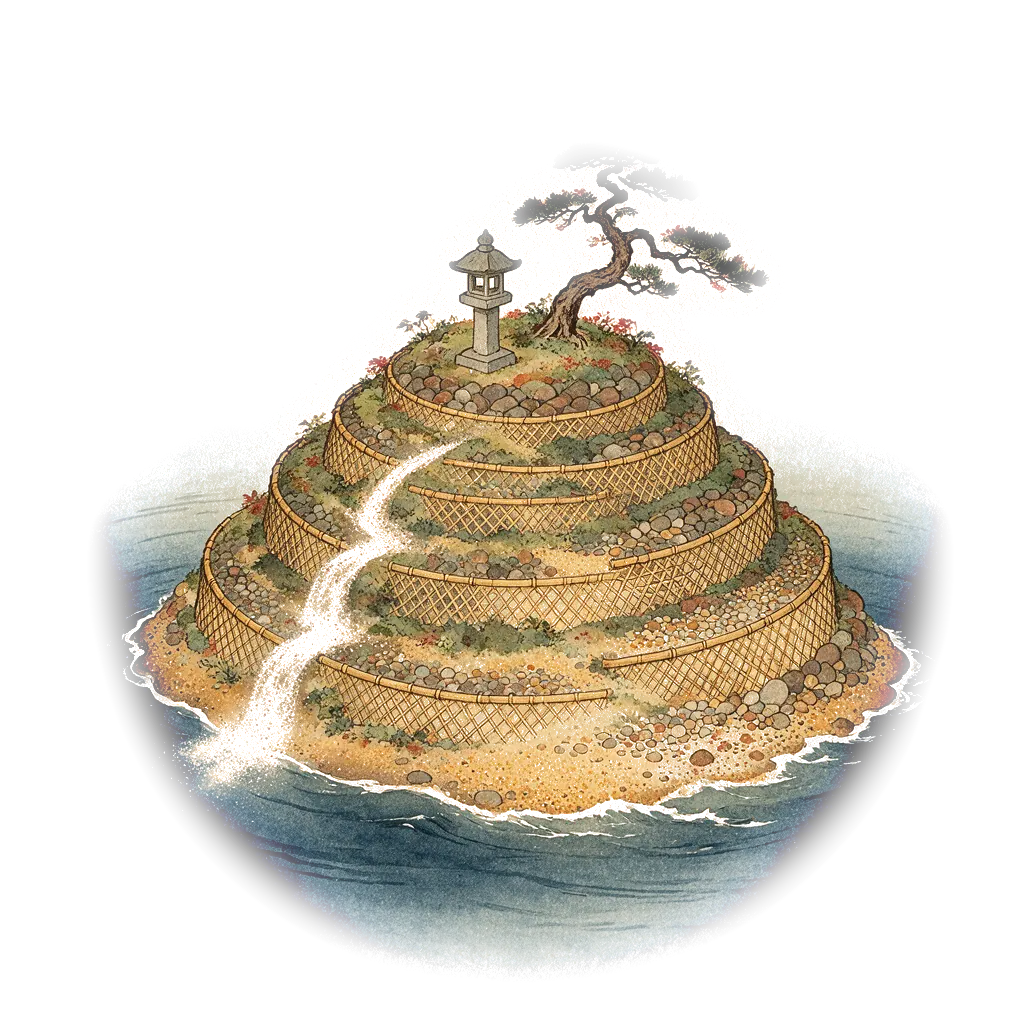
PA · 粒徑大作戰:篩網轟炸客
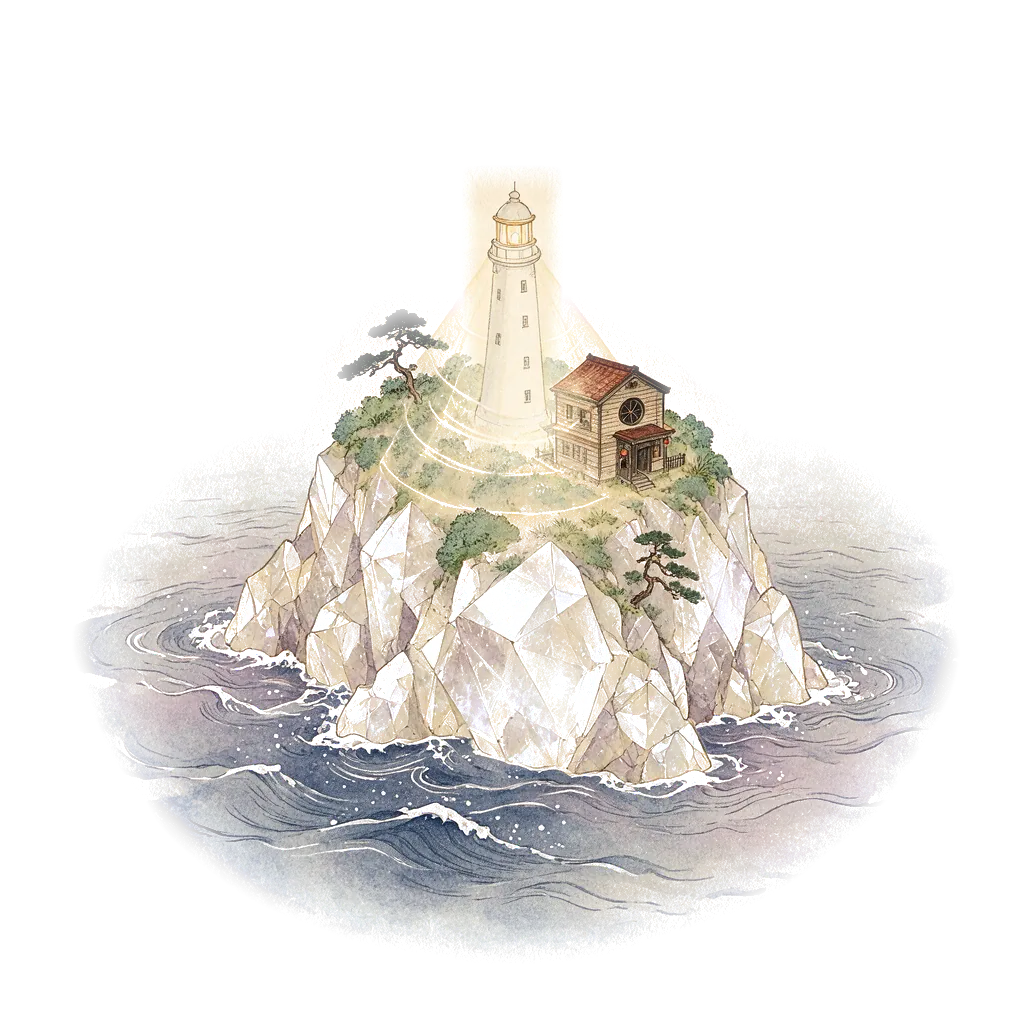
XRD · 結晶密碼:布拉格偵探社
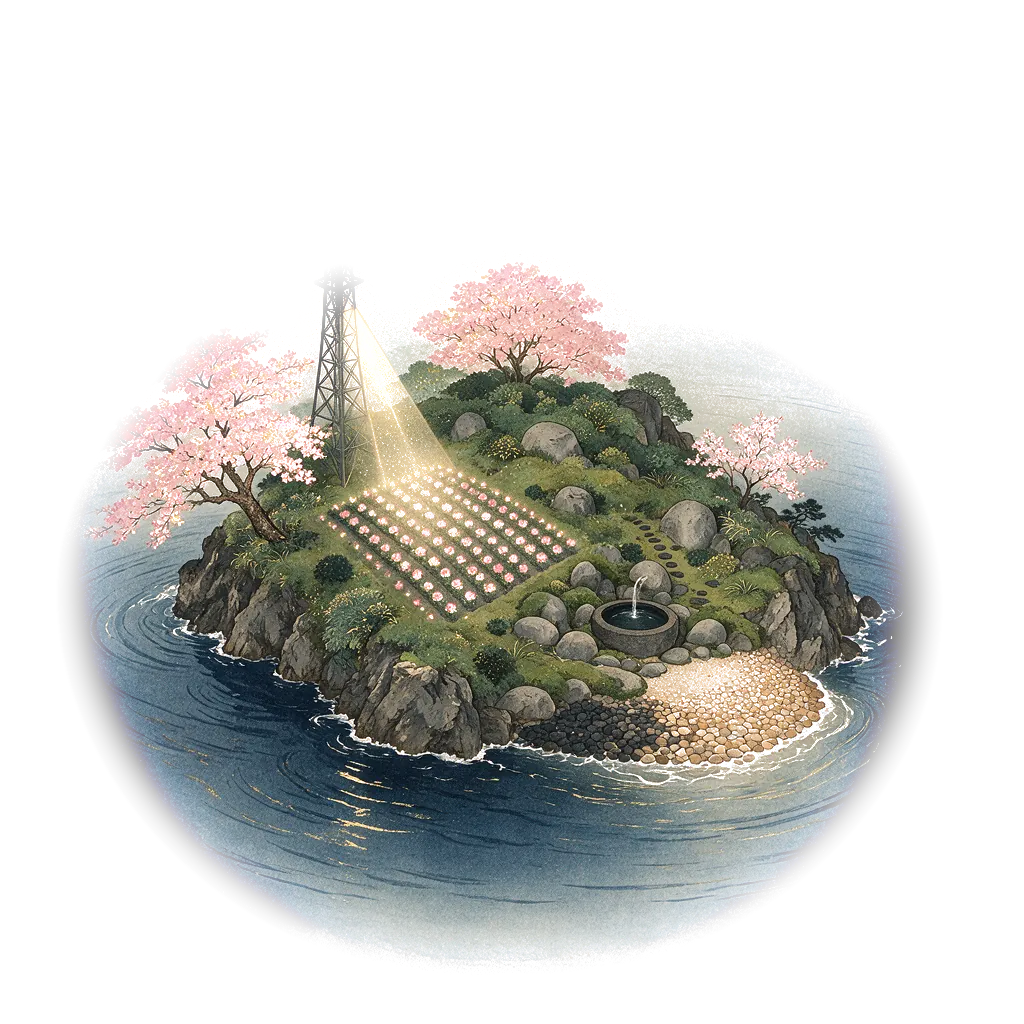
SEM · Micro Bloom 微光花園
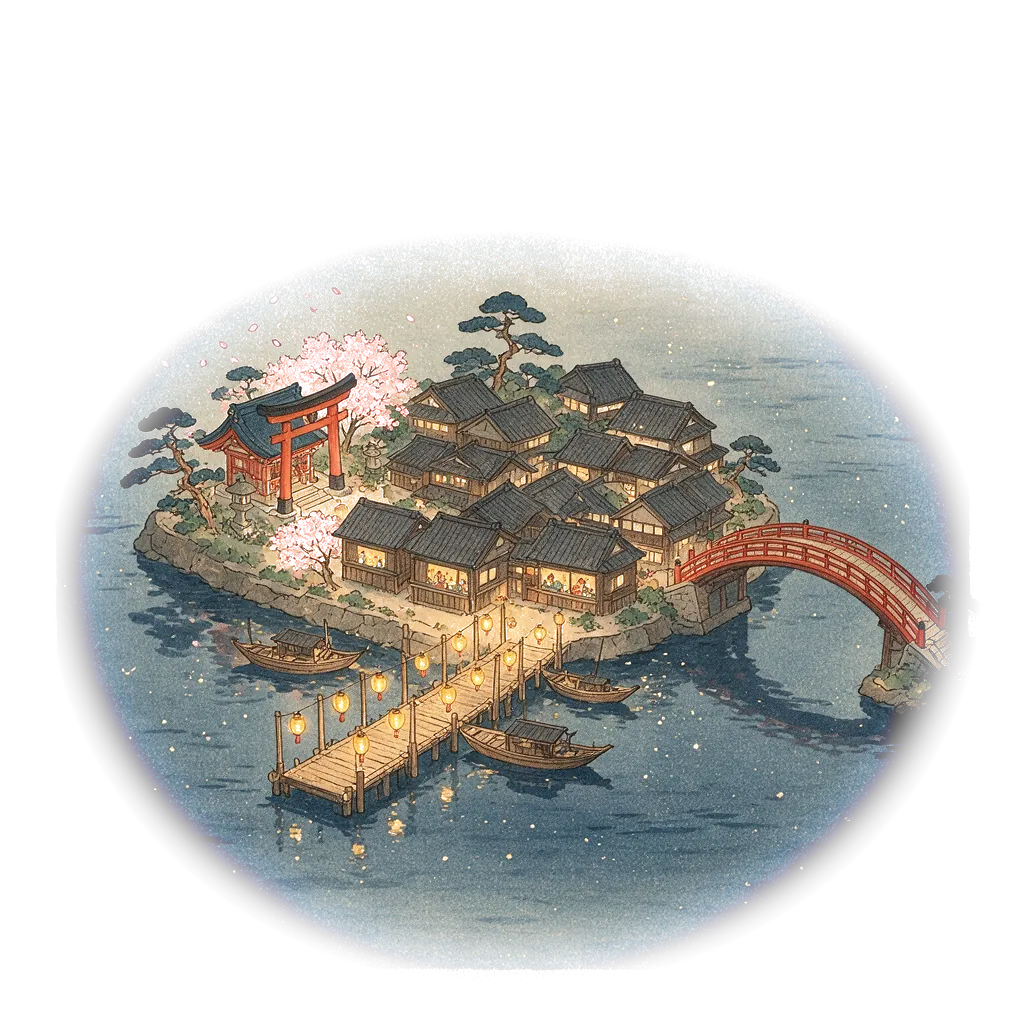
期中考Midterm · 噗芙的星之碎片大冒險
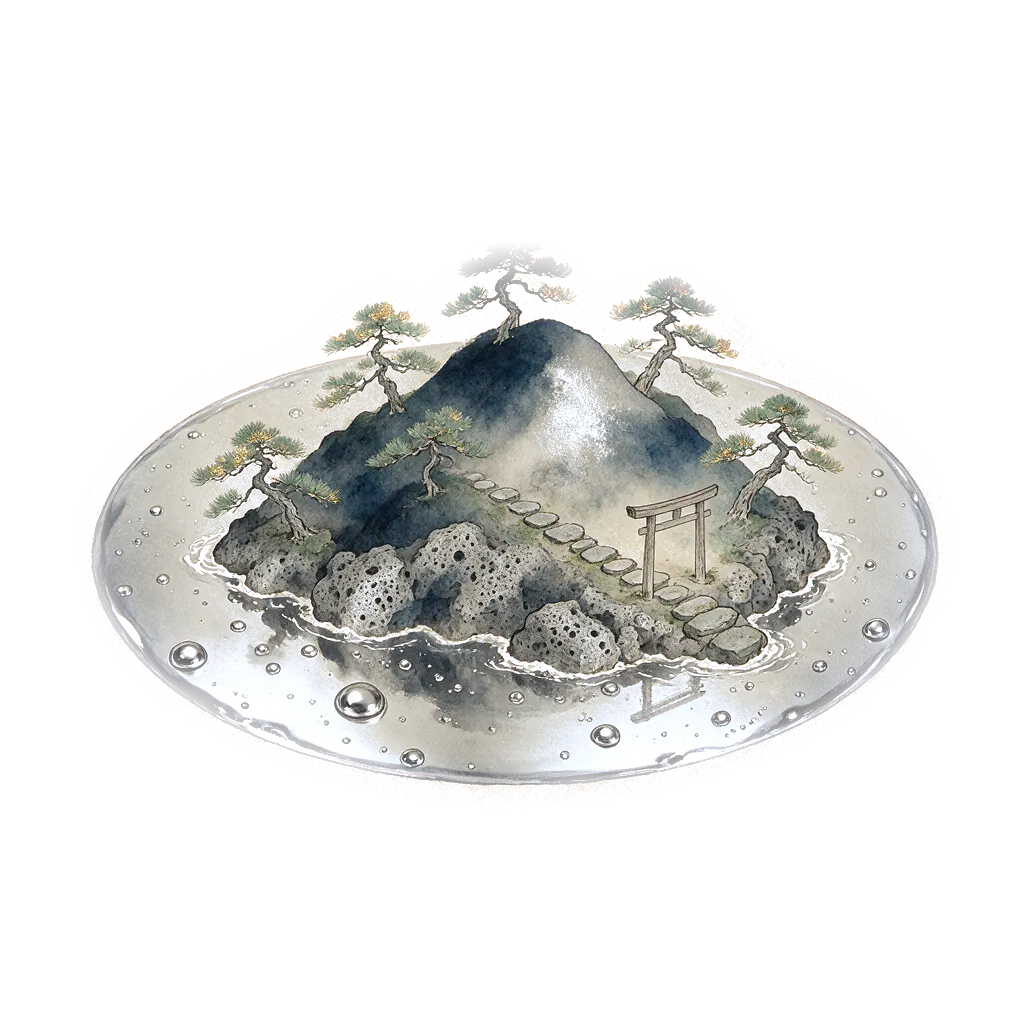
MIP · 霧中in the mist
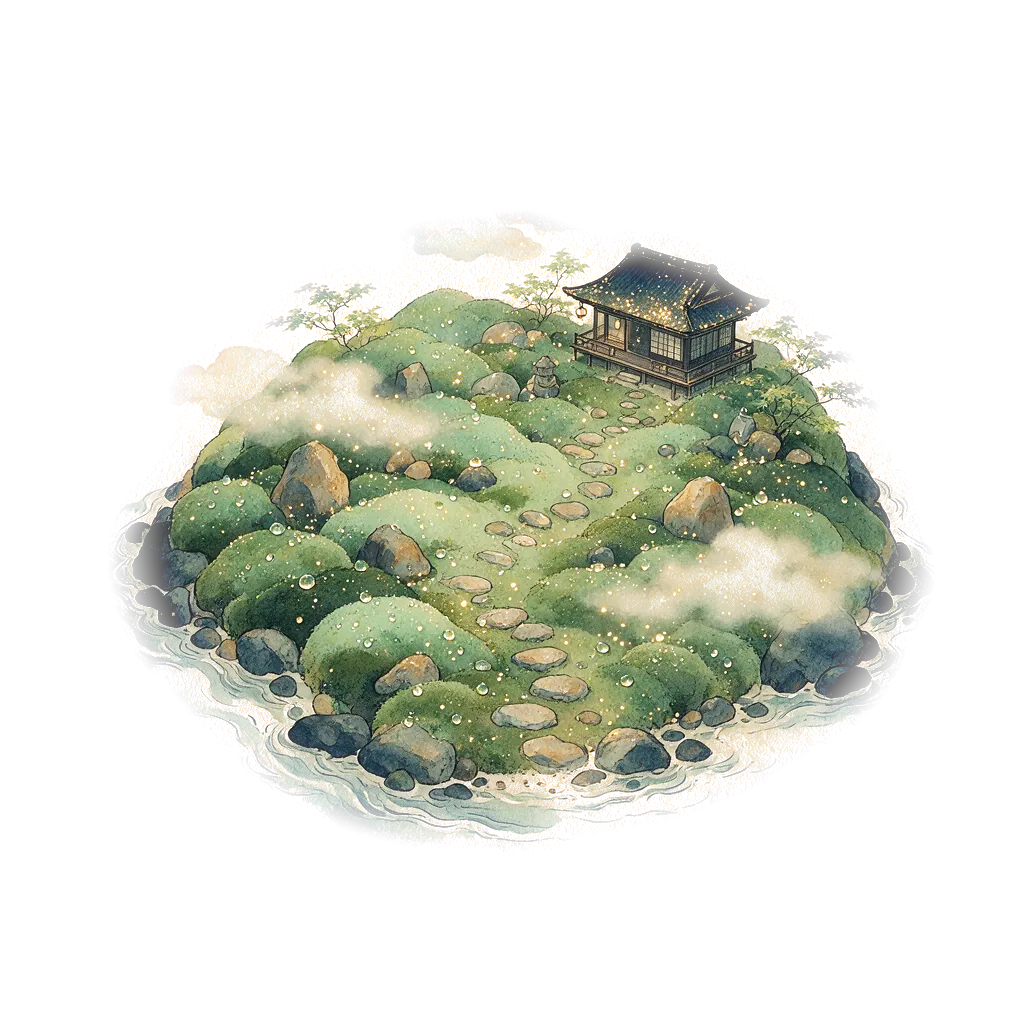
GA · 霧中in the mist
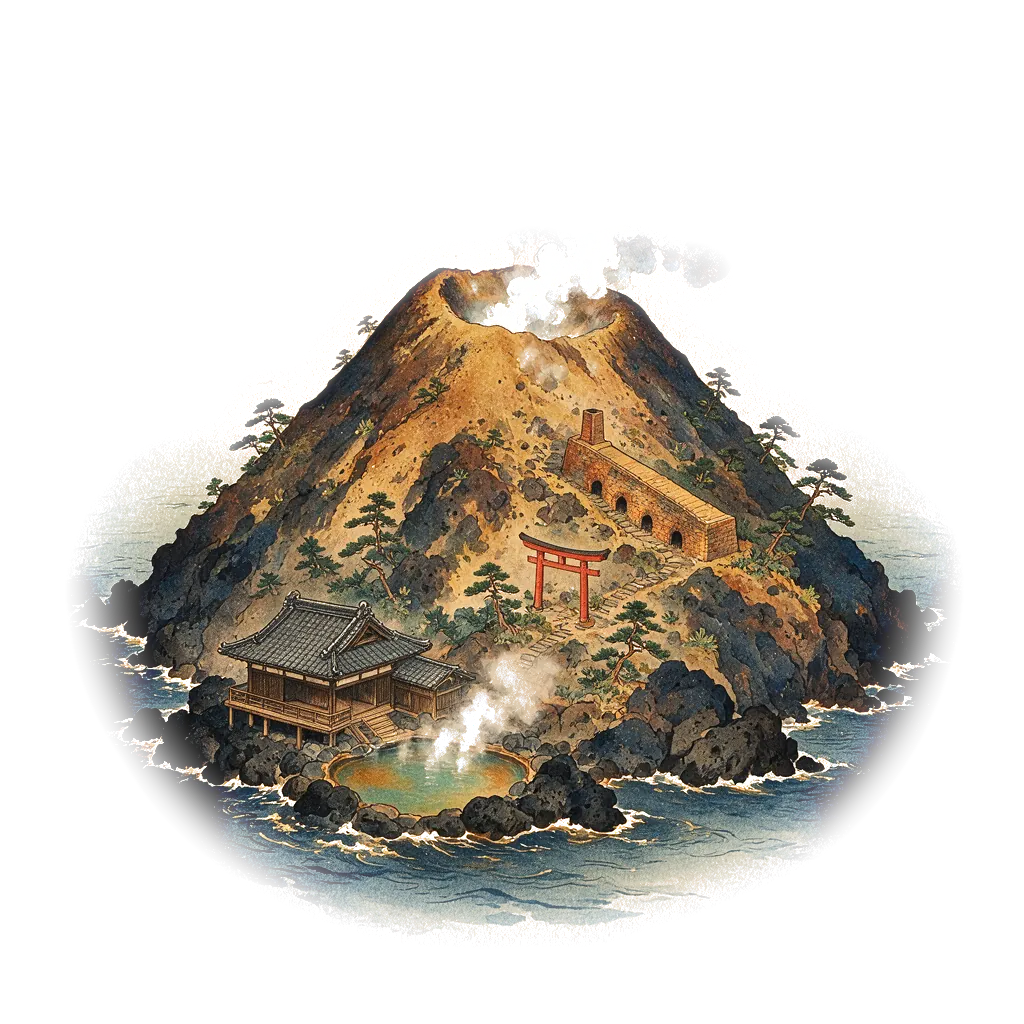
TA · 霧中in the mist
4. 出航與介紹卡4. Sailing and the island card
點島後,微光丸沿航路駛向該島(約 2 秒),接著是 10–12 秒的島嶼特寫:畫面上方是分鏡字幕,下方是霧教授的旁白與同學的提問。之後會落下一面暖簾,打開介紹卡:
After you tap an island the ferry sails there (about 2 s), then a 10–12 s close-up plays: shot captions at the top, Prof. Kiri's narration and a student's question at the bottom. A noren curtain then drops and opens the island card:
- 出航Set sail:先播放約 40 秒的出航動畫與該島主題曲,依序介紹故事、學習重點、玩法與小提醒(可按「跳過」)。最後按「進入遊戲」,以新視窗開啟該單元;地圖會留在原本的分頁,玩完切回來即可。first plays a 40-second departure cinematic with the island's theme music, introducing the story, what you will learn, how to play and tips (Skip is available). Then press "Enter the game" to open the unit in a new window; the map stays in its own tab.
- 我已完成,蓋章I've cleared it · stamp:在御朱印帳蓋上這座島的印。stamps this island in your stamp book.
- 神社抽籤Draw omikuji(星屑港限定harbor only):每天抽一支籤,籤上是一題 PA/XRD/SEM 複習題,答對得「大吉」,答錯得「末吉」並提示該回哪座島複習。draw one fortune a day: a PA, XRD or SEM review question. Answer right for "Great blessing"; a wrong answer earns "Future blessing" and tells you which island to revisit.
- 回地圖Back to map。
5. 設定5. Settings
| 項目Item | 選項(預設)Options (default) | 說明Notes |
|---|---|---|
| 語言Language | 中文 · 中文/English · English | |
| 背景音樂Music | 關閉Off · 開啟On | 由 8 個樂器音軌(琴、鋼琴、尺八、三味線、貝斯、弦樂鋪底、鐘琴、八音盒)加 1 個鼓組音軌即時合成,立體聲雙聲道;開場、地圖、各島與霧中各有不同編曲,隨場景交叉淡入。頂端的音符按鈕可快速開關。Synthesised live from 8 instrument tracks (koto, piano, shakuhachi, shamisen, bass, string pad, celesta, music box) plus 1 drum-kit track, in stereo. The opening, the map, each island and the mist each have their own arrangement, cross-faded as the scene changes. The note button at the top toggles it quickly. |
| 曲目Track | 依場景轉換Follow the scene · 序曲 · 測之海 · 篩之梯田 · 布拉格夜曲 · 微光圓舞曲 · 星屑祭 · 霧中Prelude · Sea of Measurement · Sieve Terraces · Bragg Nocturne · Glimmer Waltz · Stardust Festival · In the Mist | 預設依場景自動換曲:開場是慢板序曲、地圖是 lo-fi、篩之島是民謠快板、晶之島是爵士、微光之島是 3/4 拍圓舞曲、星屑港是祭囃子、霧中島是都節音階。也可固定播放其中一首。播放中的曲名會顯示在頂端。By default the music follows the scene: a slow prelude for the opening, lo-fi for the map, a min'yō reel for Sieve Isle, jazz for Crystal Isle, a 3/4 waltz for Glimmer Isle, matsuri music for the harbor and the miyako-bushi scale in the mist. You can also fix one track. The current title shows at the top. |
| 音效Sound FX | 關閉Off · 開啟On | 風鈴、拍子木、暖簾、蓋章、紙拉門等和風音效。Wind chimes, wooden clappers, the noren, the stamp, sliding doors and more. |
| 音量Volume | 主音量 · 音樂 · 音效Master · Music · FX | |
| 全螢幕Fullscreen | 關閉Off · 開啟On | 初始畫面也有全螢幕按鈕。iPhone 不支援網頁內全螢幕,會改開新分頁。There is also a Fullscreen button on the title screen. iPhone does not support in-page fullscreen, so the map opens in a new tab instead. |
| 繪圖Renderer | WebGPU 硬體(HW) · 軟體Software | WebGPU 以 GPU 著色器即時繪製青海波海面;裝置不支援時會自動改用軟體繪圖,設定欄會顯示目前狀態。WebGPU draws the seigaiha sea with a GPU shader. Devices without WebGPU fall back to software drawing automatically; the settings row shows which one is active. |
| 畫質Quality | 流暢Smooth 720p · 標準Standard 1080p · 高High 2K (2560) | 畫質越高越清晰,也越耗電。Higher quality is sharper and uses more power. |
| 劇情提示Story hints | 關閉Off · 開啟On | 關閉後不顯示霧教授的旁白與提示。Turn off to hide Prof. Kiri's narration and hints. |
設定頁也可「重播開場」與「清除御朱印」。所有設定與蓋章記錄都存在你自己的瀏覽器裡。
Settings also offers "Replay opening" and "Clear stamps". Settings and stamps are saved in your own browser.
6. 疑難排解6. Troubleshooting
- 沒有聲音:背景音樂預設為關閉,請在設定或頂端音符按鈕開啟;手機請確認未開靜音。No sound: music is off by default; turn it on in Settings or with the note button. On phones, check the silent switch.
- 畫面卡頓:把畫質改為「流暢」,或把繪圖改為「軟體」試試。Choppy: set Quality to Smooth, or try the Software renderer.
- 「出航」沒反應:請允許瀏覽器開啟彈出視窗。Set sail does nothing: allow pop-ups for this site.
- 看到「已遭修改」的畫面:此地圖只能從 AEML 發佈的原始網址使用。A "modified" lock screen means the map is not running from the original AEML release.